Let's use see how Photoshop help us to make photo effect on photo Picture 1 : The above photo is original picture took at Penang
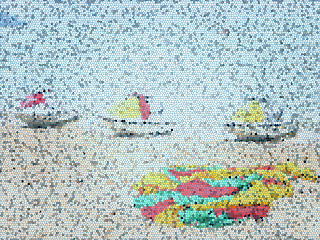 Picture 2 : After the stained glass effect
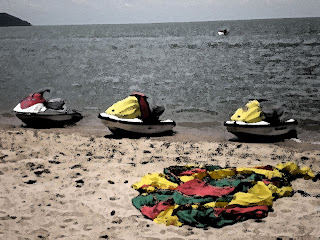 Picture 2 : After the water colour effect
 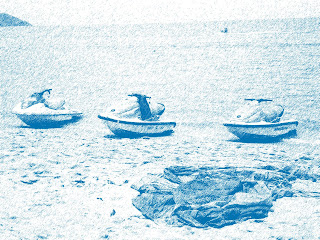 Picture 3 : After the graphic pen effect
The above all is the photo effect of adobe photoshop CS.
Picture 1 : The above photo is original picture took at Penang Picture 2 : After the stained glass effect
 Picture 2 : After the water colour effect
  Picture 3 : After the graphic pen effect
The above all is the photo effect of adobe photoshop CS.

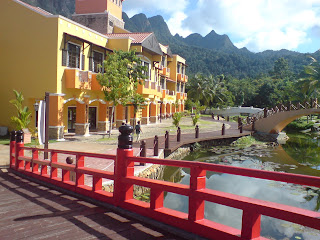 Picture 1: Photo above is an original picture
 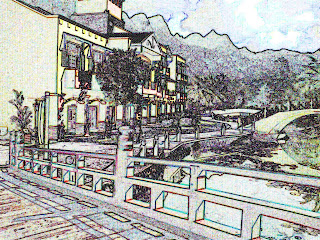 Step 1: Change the shadow highlight
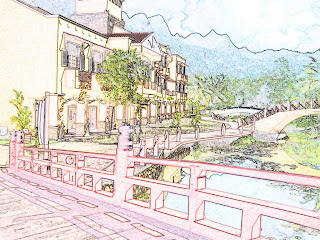 Step 3 : The original colour is retored
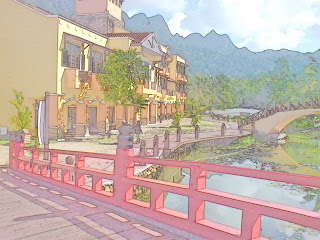 Final : A photo have becomes paintings after the use of Adobe Photoshop CS.


.jpg)
.jpg)


