This time, I would like to show the photoshop tips to
do some puzzle effect over any photos that you like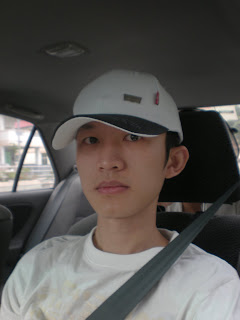
Picture 1 : This is an original picture
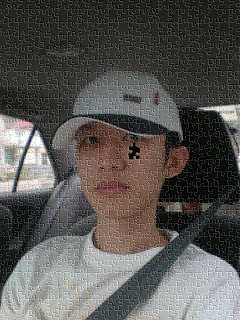 Picture 2 : By using Adobe Photoshop and the functions of
 texture and the effect of puzzle will come out.
Simple steps are shown as follows: -
1) This effect can be found in the filter>>texture>>texturizer
2) Select sandstone from the drop down box from the "texture" option.
3) Load texture and find: Adobe Photoshop>>Presents>>Textures>>Puzzle.
 After further admendment this is the outcome of the puzzle effect.


 Picture 1 : Original Photo
 Picture 1 : The above photo is original picture took at Penang


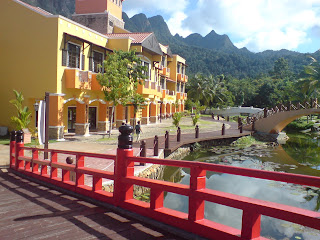 Picture 1: Photo above is an original picture
 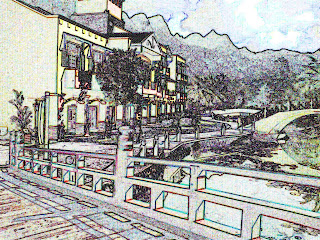 Step 1: Change the shadow highlight
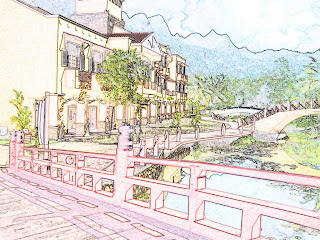 Step 3 : The original colour is retored
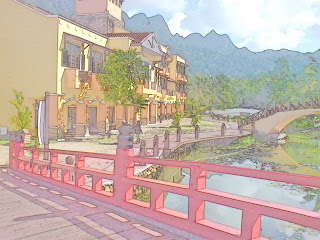 Final : A photo have becomes paintings after the use of Adobe Photoshop CS.


.jpg)
.jpg)


